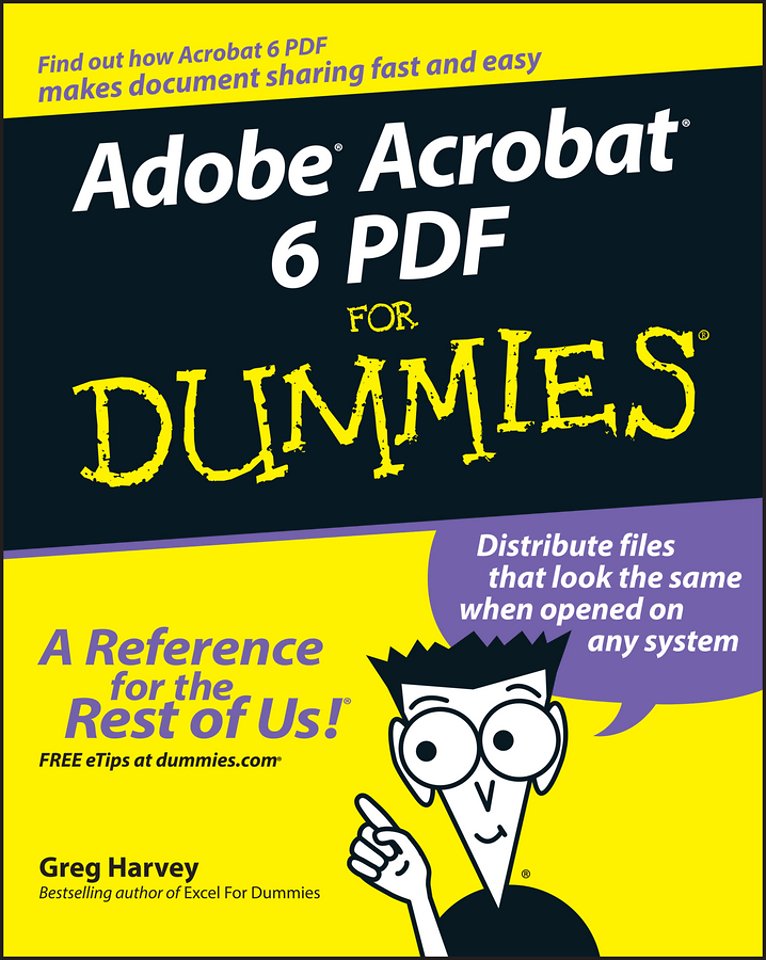

Adobe Acrobat 6 PDF for Dummies
Samenvatting
Covers accessing and distilling PDF files; converting Microsoft Office documents; capturing paper documents and Web pages; printing, annotating, editing and securing PDF files; extracting text and graphics; cataloging and distributing PDF files; creating interactive forms; and building multimedia presentations.
Readers can convert any document to this universal file format, preserving all the fonts, formatting, graphics, and color of the source document regardless of the application and platform used to create it.
PDF files can be published and distributed anywhere: in print, attached to e–mail, on corporate servers, posted on Web sites, or on CD–ROM
Adobe PDF is the emerging workflow standard in the $400 billion publishing industry and plays a key role in financial services, regulated industries, and government, with more than 155 agencies worldwide sharing Adobe PDF files.
Specificaties
Inhoudsopgave
<p>Part I: Presenting Acrobat and PDF Files 7</p>
<p>Chapter 1: The Ins and Outs of PDF Files 9</p>
<p>Chapter 2: Accessing PDF Files 21</p>
<p>Chapter 3: Getting Acquainted with Acrobat 6 53</p>
<p>Part II: The Wealth of Ways for Creating PDF Files 79</p>
<p>Chapter 4: Distilling PDF Files 81</p>
<p>Chapter 5: Converting Microsoft Office Documents 107</p>
<p>Chapter 6: Capturing Paper Documents 121</p>
<p>Chapter 7: Capturing Web Pages 133</p>
<p>Chapter 8: Printing PDF Files 147</p>
<p>Part III: Reviewing, Editing, and Securing PDFs 159</p>
<p>Chapter 9: Annotating PDF Files for Review 161</p>
<p>Chapter 10: Editing PDF Files 203</p>
<p>Chapter 11: Securing PDF Files 239</p>
<p>Chapter 12: Extracting Text and Graphics from PDF Files 263</p>
<p>Chapter 13: Cataloging and Distributing PDF Files 275</p>
<p>Part IV: PDFs as Electronic Documents 291</p>
<p>Chapter 14: Creating Interactive Forms 293</p>
<p>Chapter 15: Building and Publishing eBooks 327</p>
<p>Chapter 16: Making PDFs into Multimedia Presentations 355</p>
<p>Part V: The Part of Tens 377</p>
<p>Chapter 17: Top Ten Third–Party Acrobat Plug–Ins 379</p>
<p>Chapter 18: Top Ten Online Resources 383</p>
<p>Index 387</p>