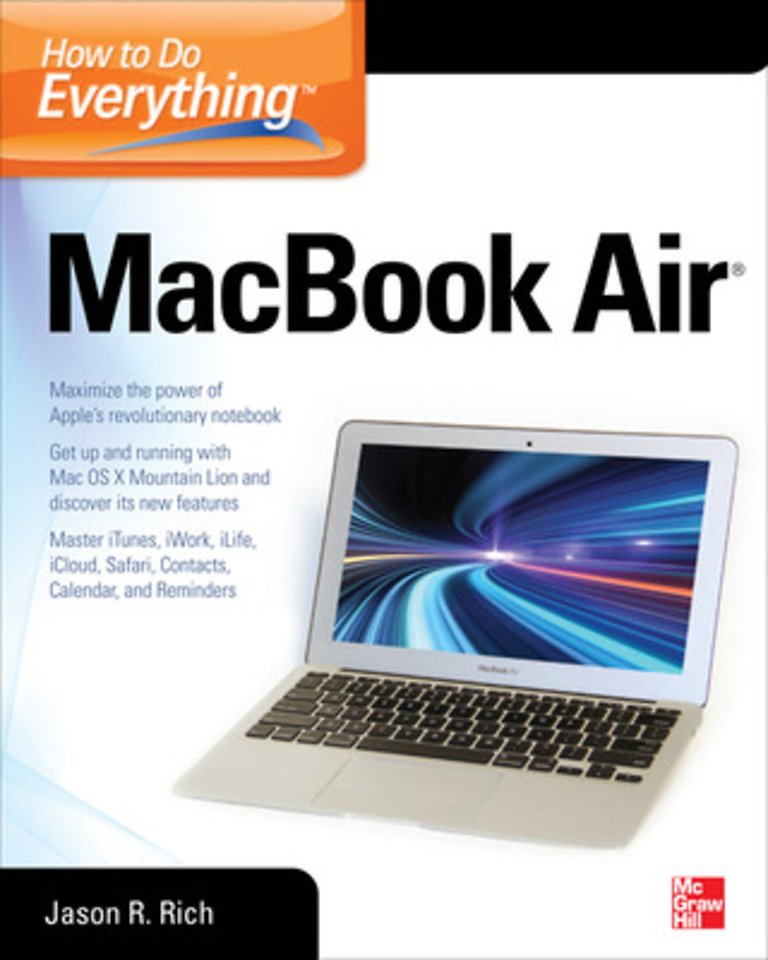
How to Do Everything MacBook Air

Specificaties
Paperback, blz. | Engels
McGraw-Hill Education | e druk, 2012
ISBN13: 9780071802499
Rubricering
McGraw-Hill Education e druk, 2012 9780071802499
€ 42,73
Levertijd ongeveer 10 werkdagen

Samenvatting

Publisher's Note: Products purchased from Third Party sellers are not guaranteed by the publisher for quality, authenticity, or access to any online entitlements included with the product.

Take your MacBook Air to new heights!

Discover how to get more than ever before out of Apple’s incredibly thin and light notebooks with help from this hands-on guide. How to Do Everything: MacBook Air shows you how to harness the power of the new Mac OS X Mountain Lion operating system, and use iTunes, iWork, iLife, iCloud, Safari, Contacts, Calendar, Reminders, Notification Center, Mail, and other powerful apps. Tap into all the computing power built into Apple’s ultra-portable MacBook Air while you’re at home, at work, or on-the-go. Custom configure your MacBook Air and navigate with the Multi-Touch trackpadGet the most out of the new Mac OS X Mountain Lion operating systemTransfer data from a PC or another MacManage your email accounts with the Mail appSync all of your data and devices via iCloudConnect peripherals—Bluetooth devices, printers, cameras, and moreUse your MacBook Air to connect to Facebook, Twitter, Google+, Flickr, Tumblr, LinkedIn, and other servicesMaximize productivity tools, such as Microsoft Office and the iWork appsDownload and play movies, TV shows, and gamesManage your iTunes Library Get organized with the new Contacts, Calendar, and Reminders appsCommunicate efficiently using the Messages appVideo chat with FaceTime or SkypeRun Microsoft Windows programs on your MacBook AirUpdate, back up, troubleshoot, and maintain your MacBook Air

Specificaties

ISBN13:9780071802499
Taal:Engels
Bindwijze:paperback

Inhoudsopgave

Part I: Get To Know Your MacBook Air<br>Chapter 1: Get Familiar with the MacBook Air<br>Chapter 2: Learn the Basics of the Mac OS X Operating System<br>Chapter 3: Make the Switch From Windows To a Mac<br>Part II: Discover The Mac OS X 10.8 Mountain Lion OS<br>Chapter 4: Set Up The Software That Comes With MacBook Air<br>Chapter 5: Install New Software Onto MacBook Air<br>Chapter 6: Transfer Data & Files from Another Computer<br>Chapter 7: Use Apple’s iCloud to Synch all Your Devices<br>Chapter 8: Add Optional Peripherals & Accessories to Expand Performance<br>Part III: Use Your MacBook Air Anytime & Anywhere<br>Chapter 9: Create Documents, Spreadsheets, Digital Slide Presentations<br>Chapter 10: Surf the Web on Your MacBook Air<br>Chapter 11: Set Up Existing Email Accounts For MacBook Air<br>Chapter 12: Bring The iLife Apps Into Your Life<br> Chapter 13: Get Organized with Calendar and Address Book Software<br>Part IV: Entertain Yourself With iTunes Content, Games & More<br> Chapter 14: Find & Enjoy Music, Movies, TV Shows & More With iTunes<br>Chapter 15: Play Games On Your MacBook Air<br>Part V: Easily Handle All of Your Mobile Computing Needs<br> Chapter 16: Travel with Your MacBook Air<br>Chapter 17: Use FaceTime, Skype or VOIP Software to Communicate & Video Conference<br> Chapter 18: Run Windows and Windows Software On Your MacBook Air<br>Appendix: What To Do When Something Goes Wrong<br>
€ 42,73
Levertijd ongeveer 10 werkdagen

Rubrieken

    Personen

      Trefwoorden

        How to Do Everything MacBook Air